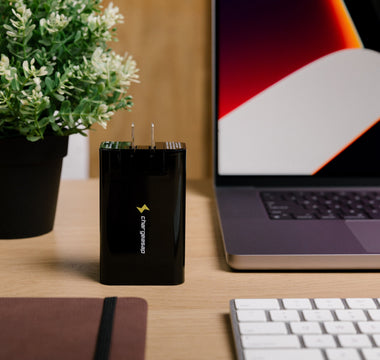

Turn Your Desk Into a Hidden Charging Hub
A clean home office feels calmer and easier to work in. When every device has a simple place to charge, you stop hunting for cables and start focusing on actual work. That is what a well-planned home office charging station is about, especially if you are working from home a few days a week and travelling the rest.
Most desks are hiding the same mess. Long cables looped everywhere, chunky power bricks heating up on the floor, a powerboard full of random chargers, and that one mystery USB cable that fits nothing you own. With a bit of planning, we can flip this. One compact GaN charger under the desk, a few short USB-C cables popping up where you need them, and everything just works.
This setup does not need DIY skills or power tools. With some basic mounts, short cables, and right-angle connectors, you can build a hidden charging hub that stays neat at home and still packs down easily when you fly or head into a co-working space.
If you want to see the kind of charger this article is based on, you can check out Chargeasap's Australian GaN range at chargeasap.com.
Why Your Home Office Charging Station Starts with GaN
GaN stands for Gallium Nitride. It is a newer material used inside chargers that lets them run smaller and cooler than the old brick-style ones that came with your laptop. In simple terms, GaN is more efficient: less wasted heat means more power delivered in a much smaller body.
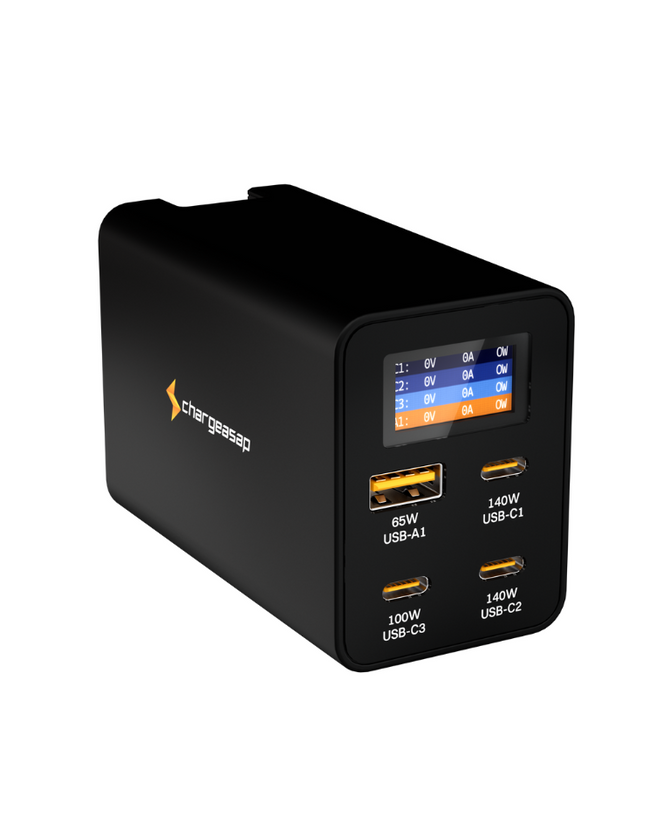
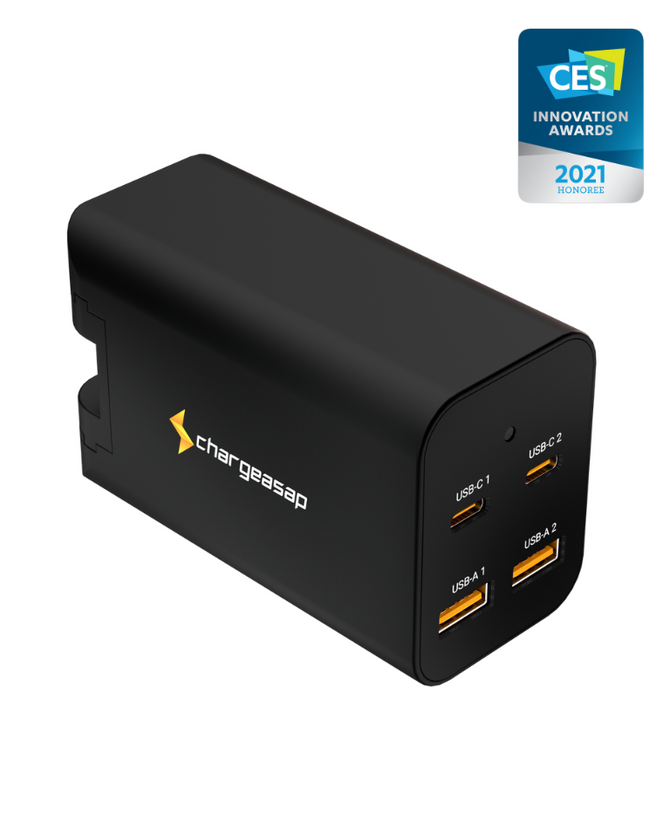
That is why one high-powered GaN unit, like the Zeus 280W GaN charger, can replace a whole row of separate laptop and phone chargers. With multiple USB-C and USB-A ports, you can charge things like:
- A laptop or two laptops
- Phone
- Tablet or e-reader
- Earbuds or a small accessory
Instead of four different bricks fighting for space on the powerboard, you plug in one GaN charger and run all your short cables from there. For frequent travellers, digital nomads, and remote workers, the bonus is that the same charger that lives under your desk can slip into your backpack when you travel. Because GaN chargers are lighter and more compact, they suit carry-on bags and remote work setups in cafes, airports, or short trips up or down the coast.
Planning Your Under-Desk or Monitor-Mount Layout
Before you stick anything down, it pays to plan like we are mapping a tiny power station.
First, choose a mounting spot for the GaN charger (for example, the Zeus 280W GaN charger):
- Under the desk near a wall outlet
- On the back of a sit-stand desk crossbar
- Behind a monitor stand or screen, if there is good airflow
You want the charger close enough to the powerboard for a short AC cable, with open space around it so heat can escape. Avoid pressing it tight against insulation or soft fabric.
Next, list what you actually charge every day. For many people, it is something like a work laptop, personal laptop or tablet, phone, earbuds, and maybe a power bank. Note where each one normally sits on your desk. Then match that list to the charger ports so your most power-hungry devices use the highest-watt USB-C outputs, and the smaller items share the lower watt ports or USB-A.
Now decide where you want cables to appear on the desktop. Some good options are:
- Through existing desk grommet holes
- Along the back of a monitor arm
- Up the rear edge of the desk, held with clips
The key is access. You want to reach a USB-C cable for your phone or laptop without crawling under the desk every time. Short, purpose-picked cable lengths keep slack under control and make the layout feel intentional rather than random.
Using Short USB-C Cables and Right-Angle Connectors
Short USB-C cables change the look and feel of your setup straight away. Lengths from about 0.25 to 1 metre are usually enough for an under-desk or monitor-mount layout. Less spare length means fewer loops to catch your feet or clutter the desktop, and it also keeps the charging path tidy and direct.
Right-angle connectors add another layer of neatness. When the plug bends off to the side instead of straight out, you can:
- Run cables along the edge of a laptop or tablet
- Keep ports safer from bumps and strain
- Stop cables pushing your device away from the wall or stand
This is especially handy in smaller Australian apartments where every bit of desk space counts. A right-angle USB-C cable at the side of your laptop lets you keep the cable flush with the desk, out of your mouse path and away from coffee cups.
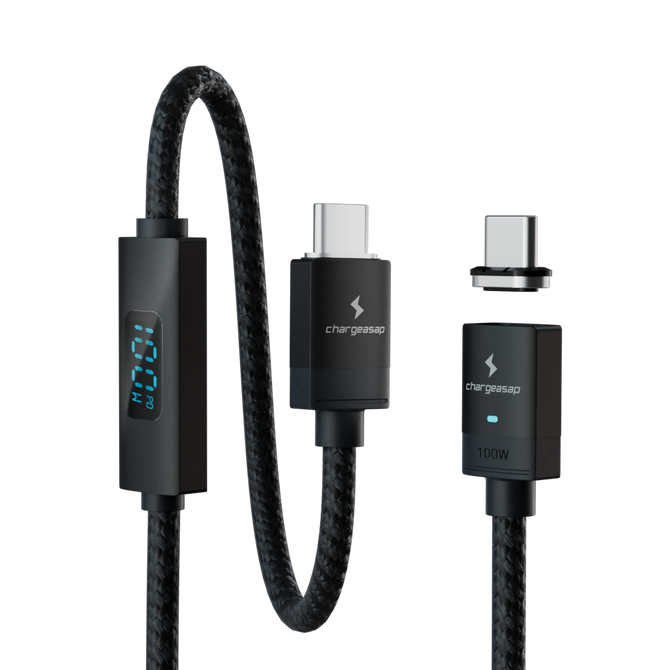
It is worth matching cables to power needs as well. Some USB-C cables are fine for earbuds or phones but struggle with high laptop power. High watt (for example, up to 240 W) USB-C PD cables are designed to carry more power safely. Use those higher spec cables from the GaN charger to your main laptop or any power-hungry device, and keep the lighter cables for accessories.
Mounting, Routing and Safety Tips That Matter
Mounting the charger safely comes first. Simple options include:
- Adhesive mounts under the desk
- Under-desk trays or shelves
- Brackets on the back of a monitor arm or stand
Whatever you choose, keep the charger firmly fixed, with at least a bit of space around it so air can move. Try not to leave it on carpeted floors where dust builds up and airflow is poor.
For cable routing, think of clean lines and clear foot space. You can:
- Run cables along the underside of the desk with adhesive clips
- Bundle them into a cable sleeve at the back edge
- Follow monitor arms up to the screens
Avoid sharp bends and tight loops, and keep cables away from chair wheels and where your feet usually rest. Colour coding or small labels can make life easier when you need to swap a cable quickly or trace a fault.
On the electrical side, use a quality powerboard with surge protection and enough outlets for your setup. Avoid daisy-chaining cheap extension leads across the room. Check the rating on the board and keep your total load within that limit. Using one efficient GaN charger, such as the Zeus 280W GaN charger, instead of several random bricks can help reduce both heat and clutter, which is especially nice on warmer days.
Turning Your Desk Setup Into a Travel-Ready Kit
Once your under-desk hub is running smoothly, it can double as the heart of your travel kit. If you treat the Zeus 280W GaN charger as your main power core, then heading out the door is as simple as unplugging one charger and a handful of short USB-C cables.
For frequent travellers, digital nomads, and hybrid workers, this keeps things simple. One compact multi-device charger and a small pouch of short cables can handle work in a hotel room, a serviced apartment, or a co-working space in another city.
To keep life even simpler, you might:
- Keep a second set of short right-angle USB-C cables in your travel bag
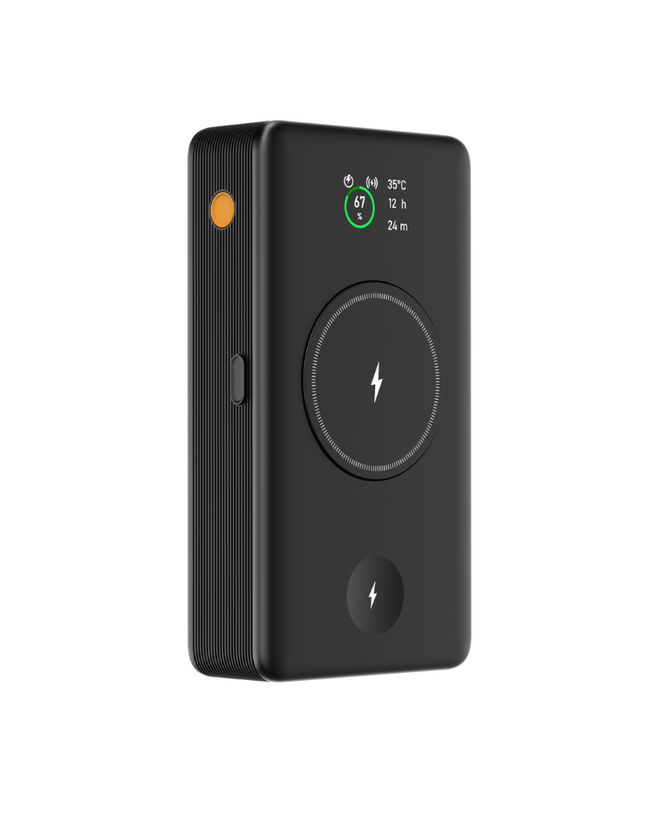
- Add a compact power bank for flights or long train trips
- Leave your home office layout untouched while still having full charging on the road
This way, you are not ripping your desk apart every time you take a trip. Your home office charging station stays neat and ready, and your travel kit is always packed.
A clean, cable-managed home office that also supports a travel-heavy lifestyle is not about fancy furniture. It is about one solid GaN charger, like the Zeus 280W GaN charger, smart placement, short cables, and a bit of thought about how you actually work. Once you set it up, daily charging becomes something that just happens quietly in the background.
Streamline Your Home Office With Smarter, Faster Charging
Upgrade your desk setup with our all-in-one home office charging station and keep every device powered without clutter. At Chargeasap, we design chargers that save space, cut down cable mess and deliver reliable, high-speed power for work and personal gear. Make your daily workflow smoother by giving your laptop, phone and accessories a dedicated, efficient charging hub. Take the next step towards a cleaner, more productive home office with a setup built to handle your busiest days.