Quick answer: Most MagSafe power banks that appear to have stopped charging have not failed. In order of how often we see it: a case that is too thick or holds a card, a wall charger too weak to fill the bank, the phone throttling because it is warm, or a cable plugged into the phone at the same time. Work through the six checks below before replacing anything.
Already sure yours has failed?

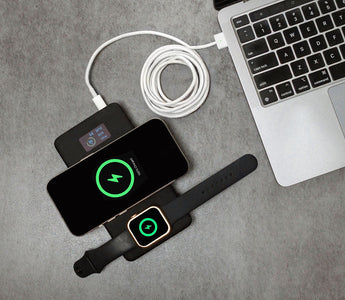
15W magnetic for grab-and-go, plus 100W over USB-C for the days you need the phone full fast.
$199 $169Save $30
★★★★★ 4.95 from 22 reviews · Free shipping over $99 · 30-day returns
Just want the magnetic snap back? SlimCharge, $59
Start here: six checks, in order
Ordered by how often each turns out to be the answer. Stop when charging resumes.
- Take the case off entirely. Not thinner — off. Then try again.
- Check for a card, hotel key or AirTag between the phone and the bank.
- Unplug anything from the phone's port. Wireless charging drops sharply when an accessory is attached.
- Check what is charging the bank. A 5W plug will not do it. See the table below.
- Let the phone and the bank cool for fifteen minutes, off the charger.
- Do the three second reset. Take the phone off, count to three, put it back on.
That last one is not folklore. If an iPhone is placed on a charger before the charger has power, the handshake can fail and the phone sits there doing nothing. Apple's own documentation tells you to remove the iPhone, wait three seconds, and put it back.
How to tell it has actually failed
After all six checks — no case, nothing plugged into the phone, a 20W or better adapter, everything at room temperature — a genuinely dead magnetic bank shows one of these:
- The magnets hold but nothing happens on any phone. Try a second phone. If neither charges, the coil has gone.
- It charges by cable but not wirelessly. The cells are fine and the wireless section has failed. There is no repair.
- It will not take a charge itself, from any adapter or cable. The input circuit or the cells have failed.
- It is swollen, or hot long after charging finished. Stop using it and take it to a battery recycling point.
On swelling: a bulging power bank is a failing cell, not a cosmetic problem. It does not recover and it gets worse. Airlines will refuse it, and so will most couriers. Recycle it.
If you are replacing it, get the cable speed too
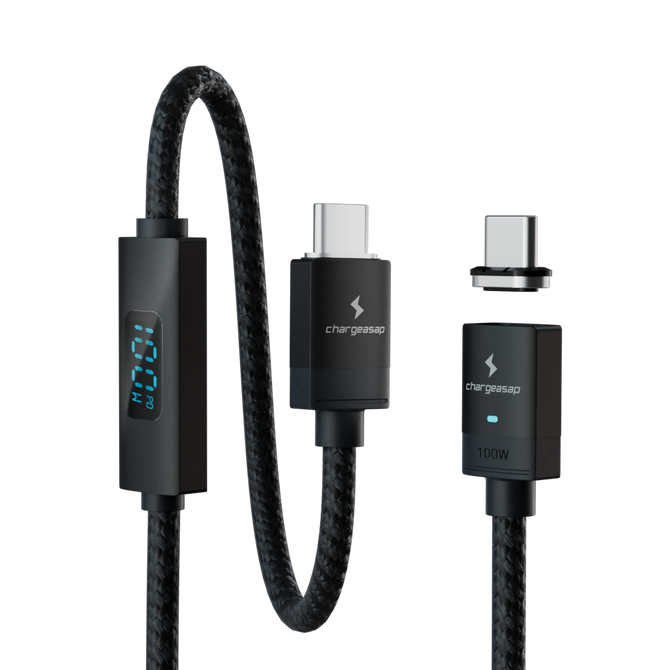
The lesson most people take from a dead magnetic bank is to buy another magnetic bank. The better lesson is that magnetic should be one mode, not the only mode — the efficiency and heat limits below apply to every wireless bank ever made, including the next one you buy. Magnetic is the convenient mode; the cable is the fast one. A bank that only does the first leaves you stuck on the days you need the second, which is why the Flash Pro Plus has both.
If yours is genuinely gone

Flash Pro Plus — 25,000mAh
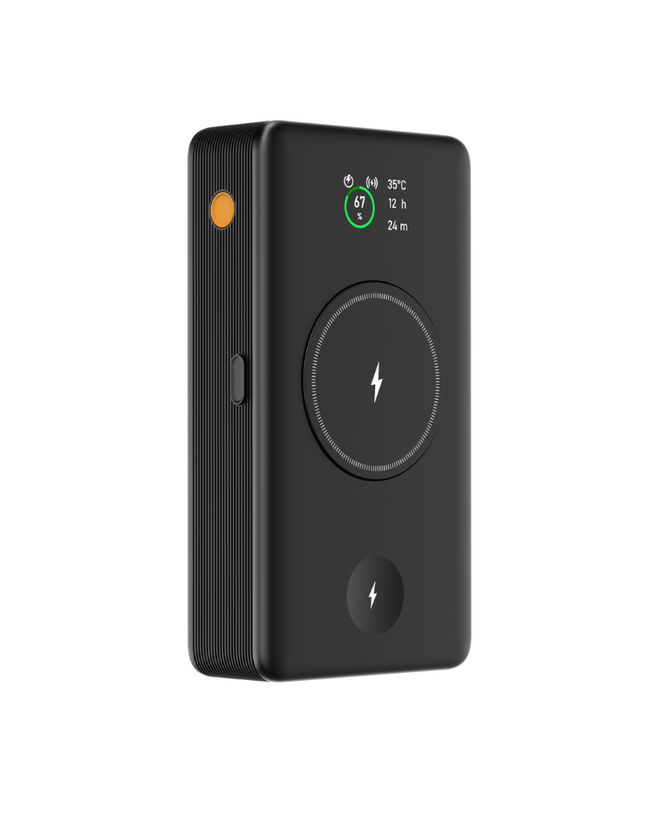
15W magnetic for grab-and-go, and 100W over USB-C for the days you need the phone full in twenty minutes. The OLED shows live temperature, so when it throttles you can see why instead of assuming it broke.
$199 $169 View

SlimCharge — the low-cost option
If you only want the magnetic mode back and do not need the capacity or the cable speed, this is the straightforward swap. Slim enough to stay stuck to the phone in a pocket.
$59 View
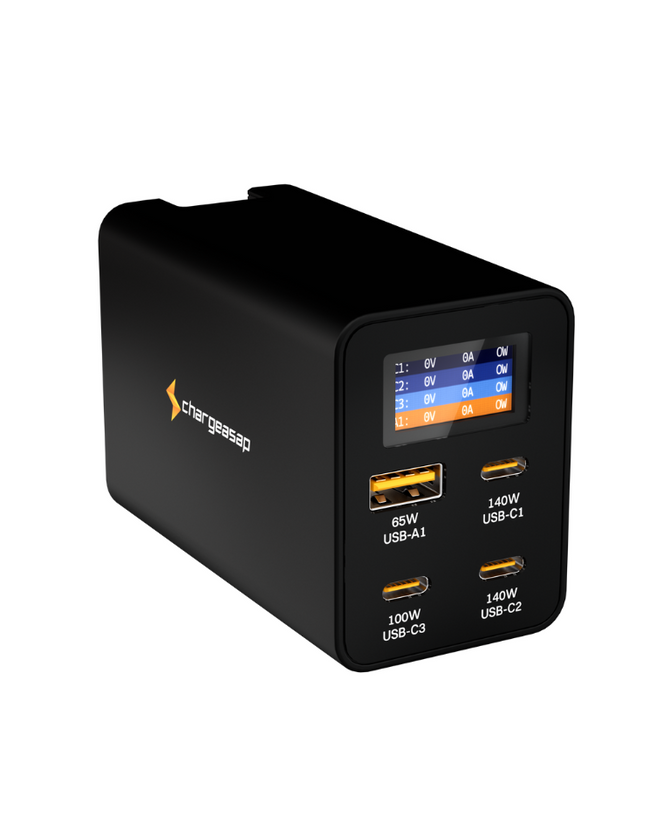
Also charge a laptop? Flash Pro Ultra adds 140W in and out over USB-C alongside the magnetic pad. $249.
Your case is the most likely culprit
Magnetic charging works across an air gap, and that gap has a hard limit. Every millimetre of plastic, leather or silicone between the two coils reduces the power that crosses it. Thick protective cases, wallet cases and cases with a metal plate for a car mount will all slow charging or stop it completely.
Cards are worse than thickness. Apple explicitly warns against placing credit cards, security badges, passports or key fobs between the iPhone and a MagSafe charger, because the magnets can damage magnetic strips and RFID chips. A card in a wallet case does two things at once: it blocks the coil and risks being wiped.
If charging works with the case off and stops with it on, the bank is fine. You need a thinner case, or one that is explicitly MagSafe compatible.
The bank cannot give what it never received
This is the check people skip. A magnetic power bank has to be charged up first, and if the wall charger feeding it is underpowered, the bank fills slowly, gets warm, and appears to misbehave. Apple's requirements are more demanding than most people expect:
| Charging speed | Adapter required | Voltage and current |
|---|---|---|
| Up to 25W | 30W or greater | 15V / 2.0A or higher |
| Up to 15W | 20W or greater USB-C | 9V / 2.22A or higher |
| Slow charging only | 12W minimum | 5V / 2.4A |
If you charge your power bank overnight from an old 5W phone plug, it may not be full by morning. That is not a fault, it is arithmetic. A 30W or greater USB-C charger such as the Omega 100W covers every row in that table.
A cable in the phone cuts wireless power by more than half
This surprises almost everyone. When an accessory is connected to the iPhone's port, Apple limits wireless charging to 10W on iPhone 17 Pro and Pro Max, and 7.5W on other models. Headphones or a CarPlay cable plugged in while a magnetic bank is attached cuts the rate to roughly a third.
Related and worth knowing: connect a cable directly to the iPhone while a magnetic charger is attached and the phone charges through the cable and stops charging wirelessly altogether. The bank sits on the back doing nothing. It looks like a fault. It is the phone choosing the faster path.
Heat stops charging on purpose
Lithium cells degrade faster when charged hot, so both the phone and the bank limit charging as temperature climbs. Apple states that if the battery gets too warm, software may cap charging above 80 percent to protect lifespan. Wireless charging runs hotter than cable charging because some of the energy becomes heat rather than charge — which is also why a 10,000mAh magnetic bank never puts 10,000mAh into your phone. Fewer charges than the label suggests is normal, not a fault.
Cold does the same in reverse. Below roughly five degrees Celsius, lithium cells cannot accept charge at full rate, and many banks refuse to output at all until they warm up.
Ruled all of that out and it still will not charge?
Flash Pro Plus — 25,000mAh
15W magnetic for grab-and-go, and 100W over USB-C for the days you need the phone full in twenty minutes. The OLED shows live temperature, so when it throttles you can see why instead of assuming it broke.
$199 $169 View
SlimCharge — the low-cost option
If you only want the magnetic mode back and do not need the capacity or the cable speed, this is the straightforward swap. Slim enough to stay stuck to the phone in a pocket.
$59 View
Also charge a laptop? Flash Pro Ultra adds 140W in and out over USB-C alongside the magnetic pad. $249.
Compare all Chargeasap power banks
Vinson is Cofounder at Chargeasap, an Australian charging hardware company that has run 14 crowdfunding campaigns on Kickstarter and Indiegogo and shipped to more than 108,000 customers since 2016.
FAQ
Why has my MagSafe power bank stopped charging my iPhone?
The most common causes are a case that is too thick or contains a card, an accessory plugged into the phone's port which limits wireless charging to 7.5W on most models, a wall charger too weak to charge the bank properly, or thermal limiting because the phone or bank is warm. Remove the case, unplug accessories, let everything cool, then take the phone off the bank, wait three seconds and put it back on.
Why does my magnetic power bank charge my phone so slowly?
Apple limits wireless charging to 10W on iPhone 17 Pro and Pro Max and 7.5W on other models whenever an accessory is connected to the phone's port. Reaching 15W requires a 20W or greater adapter feeding the charger, and 25W requires a 30W adapter at 15V. Case thickness and imperfect magnet alignment reduce it further.
Why does my power bank give fewer charges than its capacity suggests?
Wireless charging loses a meaningful share of the energy as heat during transfer, so a magnetic power bank always delivers noticeably less to your phone than its rated capacity. This is normal for every wireless power bank and is not a fault. Charging over the USB-C cable is considerably more efficient if you need the full capacity.
Is my MagSafe power bank dead or is it something else?
Test it with the case off, nothing plugged into the phone, and a 20W or greater adapter, on a second phone if you can. If the magnets hold but no phone charges wirelessly, the coil has failed. If it charges by cable but not wirelessly, the wireless section has failed. Neither is repairable. If it is swollen or hot long after charging, stop using it and recycle it.
Can I still use a swollen power bank?
No. Swelling means a cell is failing, it does not reverse, and it gets worse with use. Stop charging it, do not fly with it, and take it to a battery recycling point rather than household waste.