Power Freedom for Digital Nomads All Summer Long
A solid digital nomad charging setup can be the difference between a smooth workday and a dead laptop in the middle of a call. When late spring and summer hit, we tend to travel more, hop between coworking spaces, and work anywhere we can find shade and Wi-Fi. That kind of movement puts a lot of pressure on your power gear.
In this guide, we will walk through how to plan power like you plan flights and housing. By the end, you will know how to figure out your total wattage needs, choose the right mix of ports, and match cables to every device you carry. At Chargeasap, we design ultra-fast GaN chargers, magnetic cables, and high-capacity power banks built for people who work from planes, hostels, rooftops, and everywhere in between.
Map Your Exact Device Mix and Daily Workload
Before looking at chargers, we need to know what you are actually powering. Grab a note app or a sheet of paper and list every device you travel with. Do not guess, list the real items that end up in your bag.
Common devices include:
- Laptop or two laptops
- Phone
- Tablet or e-reader
- Wireless earbuds and headphones
- Smartwatch or fitness band
- Camera or action cam
- Portable monitor
- Small accessories like a travel router, keyboard, or mouse
Next, mark how you use each one. Think about which devices must stay alive all day and which are nice to have. For example, your laptop and phone might be heavy use, while a camera or tablet is only needed a few hours.
You can group them like this:
- Heavy work devices: laptop, main tablet, portable monitor
- Medium use: phone, earbuds on calls, camera on shoot days
- Light or occasional: smartwatch, backup phone, gaming handheld
Now build simple day profiles. These help you see what needs power at the same time.
Examples:
- Travel day: phone, laptop, earbuds, power bank all getting used hard between gates and on flights
- Coworking day: laptop, portable monitor, phone, maybe tablet charging at a desk
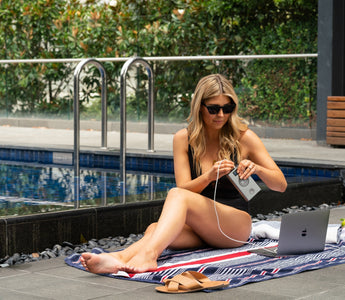
- Beach or rooftop day: phone, earbuds, smartwatch, power bank, maybe laptop for a few hours
These profiles become your base for smart power planning. You are not just buying a random big charger, you are matching your gear and your real days.
Calculate the Wattage You Really Need
Now we figure out how much power you actually need. Look at the charger brick or specs page for each device. You will usually see something like:
- Laptop: often 45 W, 65 W, 90 W, or higher
- Phone: 18 to 30 W for fast charging
- Tablet: usually 18 to 30 W
- Earbuds: around 5 W
- Smartwatch: around 5 W
If you are not sure, a quick peek at the original charger is enough. The number with a W is what we care about.
Next, think about what you will charge at the same time. For example, on a coworking day you might plug in:
- Laptop: 65 W
- Phone: 30 W
- Earbuds: 5 W
Total: 100 W. Now add a safety margin of about 20 to 30 percent so your charger is not always maxed out. So for this setup, you would aim for around 120 to 130 W total output.
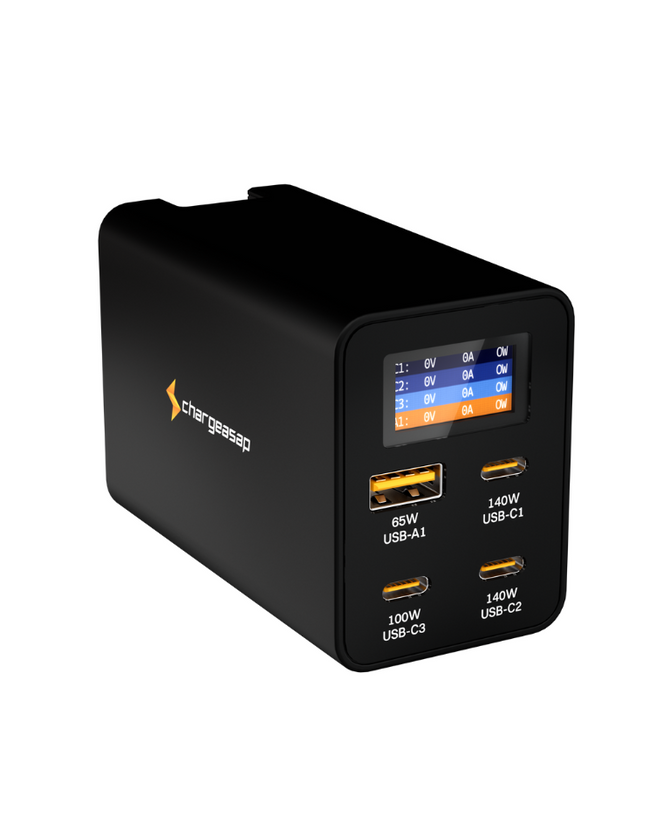
GaN chargers make this easier because they can pack high wattage into a small size. Multiport GaN chargers either have fixed wattage per port, or use dynamic power sharing that shifts wattage based on what is plugged in. A 100 W or 140 W GaN charger can replace several old bricks, while still giving your laptop fast charge speeds and keeping your phone happy at the same time.
Choose Smart Port Combinations for Any Workspace
Wattage is only half the story. You also need the right ports. Modern setups focus on USB-C, but many of us still own gear that uses USB-A.
Here is a quick breakdown:
- USB-C with Power Delivery: best for laptops, tablets, newer phones, portable monitors
- USB-C standard ports: great for phones, earbuds, power banks, and smaller devices
- USB-A: for older phones, cameras, or accessories that still use bigger plugs
For digital nomads, it is smart to favor USB-C as much as you can. It keeps your kit simpler and lets one charger handle more devices.
Translate your device mix into port needs. For example:
- Remote video editor: two high-watt USB-C ports for laptop and portable monitor, plus two lower-watt USB-C or USB-A ports for phone and camera
- Light writer or marketer: one strong USB-C for laptop, one mid-watt USB-C for phone or tablet, one extra USB port for earbuds or watch
Think about where you work too:
- Rental or long coworking stay: a single high-power desktop GaN charger on the desk that stays plugged in
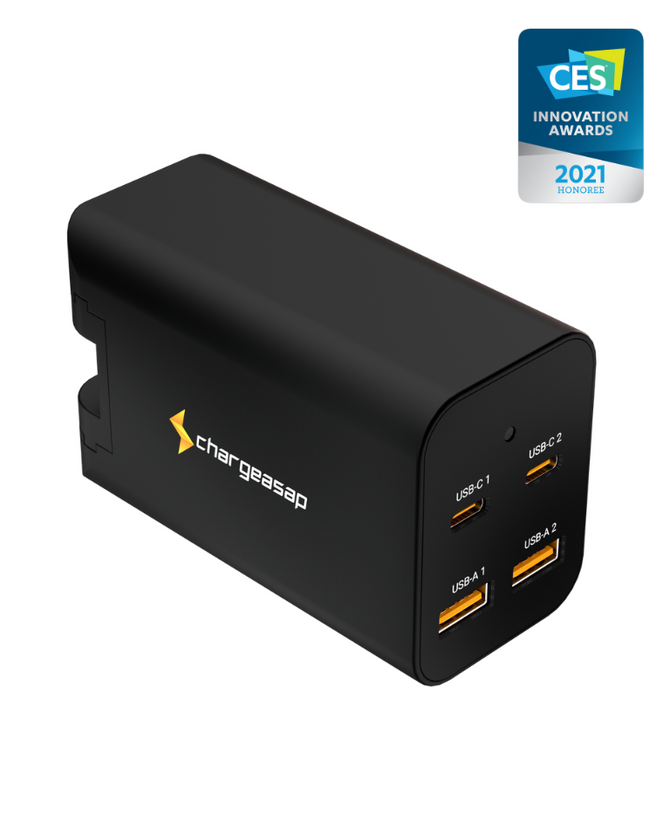
- On the move with only a backpack: a compact travel wall charger that fits any outlet you run into
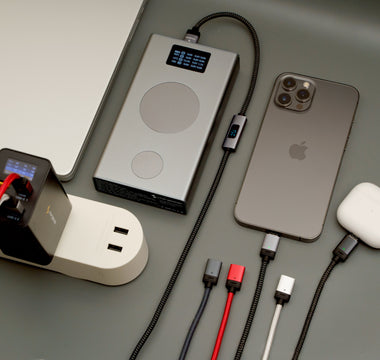
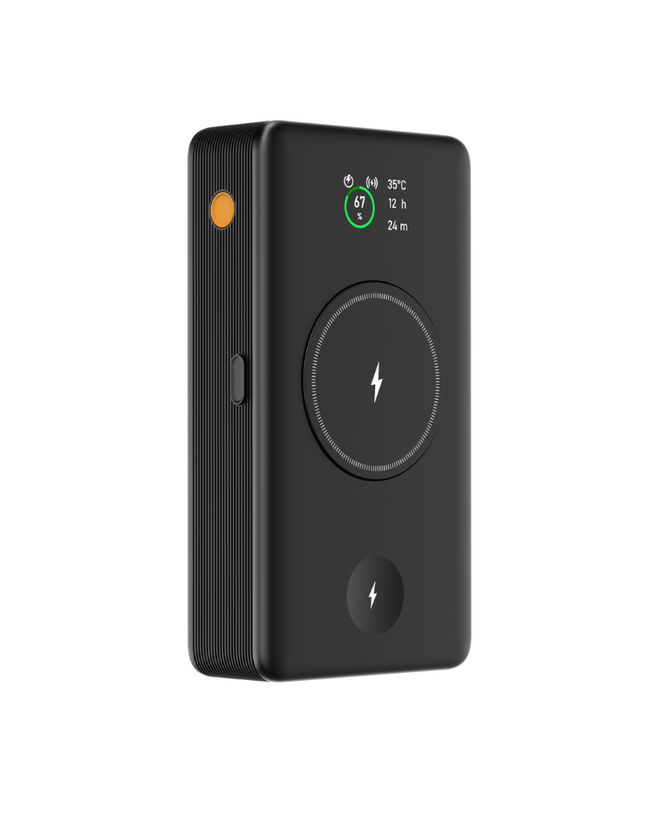
- Long flights and train rides: a high-capacity power bank with strong USB-C output and pass-through charging so you can charge devices while the bank itself charges when you find an outlet
Mixing these three pieces, desk charger, travel wall charger, and power bank, covers most working setups without filling your bag.
Pick the Right Cables and Power Banks for the Road
Even the best charger will not help if your cables are weak or not rated for fast charging. Matching cable type and quality to your devices is key.
Basic cable rules:
- USB-C to USB-C: for most modern laptops, tablets, phones, and portable monitors
- USB-C to Lightning: for older Apple phones and some accessories
- USB-A to USB-C: for using older chargers with newer gear, as a backup
Use cables that are marked for fast charge or high wattage when you power laptops or tablets. Thin, cheap cables can slow everything down and wear out faster.
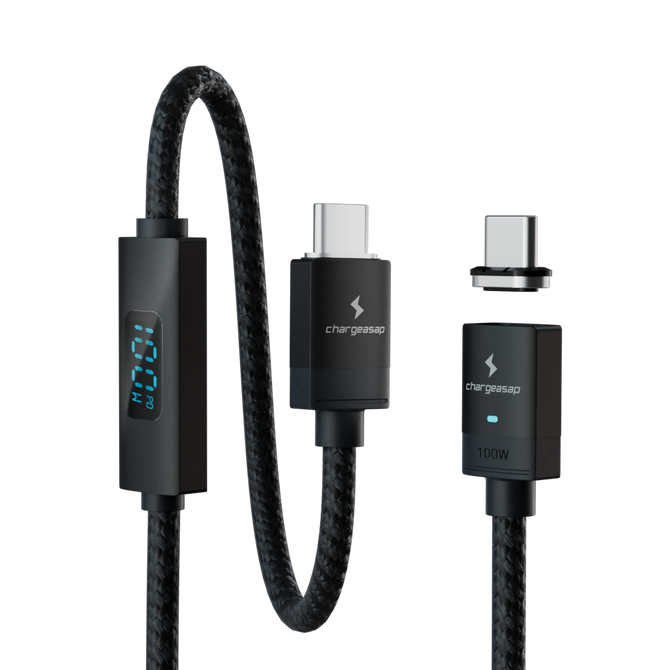
Magnetic cables add an extra layer of comfort for digital nomads. With a magnetic tip in each device, you can:
- Swap between laptop, phone, and earbuds quickly
- Reduce wear on your device ports, since the cable pops off instead of yanking the port
- Set up and tear down faster when moving between cafes, hostels, and coworking spaces
For power banks, look at two things: capacity and output. Capacity is often shown in mAh, but watt-hours (Wh) give a clearer sense of how much real energy you have. Airlines set limits based on Wh, so staying under common limits keeps travel smoother. For digital nomads, a bank with multiple high-output USB-C ports lets you keep a laptop and phone charged while you move between outlets in hot summer cities or during long travel days.
Build Your Personalized Digital Nomad Charging Setup
Now it is time to put everything together into a clear, simple kit. Here is a quick checklist:
- List every device you travel with
- Create your day profiles and mark which devices run at the same time
- Note each device wattage and add up your peak needs
- Add a safety margin and pick a GaN charger that meets or beats that number
- Choose how many USB-C and USB-A ports you need
- Match with high-quality USB-C cables and any special cables like Lightning
- Add a power bank that can handle your key work devices between outlets
To make it real, here are a few sample setups that our team at Chargeasap sees often.
Minimalist carry-on worker:
- One 65 to 100 W GaN wall charger with two USB-C ports and one USB-A
- One USB-C to USB-C cable, one USB-C to Lightning cable
- Medium-capacity power bank with strong USB-C output
Creative pro with heavy gear:
- One 120 to 140 W desktop-style GaN charger with multiple high-watt USB-C ports
- One compact travel charger as backup
- High-capacity power bank that can handle a laptop plus phone
- Several high-quality USB-C cables and a couple of magnetic cables for faster swaps
Long haul backpacker:
- One small but strong multiport GaN charger that can live in the packing cube
- One magnetic cable system with tips for phone, earbuds, and tablet
- Power bank sized to stay under common airline limits, with at least two USB-C outputs
At Chargeasap, we design our GaN chargers, magnetic cables, and power banks to cover these kinds of real-world setups. With a little planning, you can walk into summer trips knowing that every laptop, phone, and tiny gadget in your bag has a clear place to plug in, wherever you end up working.
Power Your Travels With A Reliable Charging Setup
Stay focused on your work instead of hunting for outlets or juggling multiple bulky chargers. With Chargeasap, you can streamline all your devices into one efficient, portable digital nomad charging setup that fits effortlessly in your bag. We design our gear to handle fast charging, international travel, and everyday wear so you stay powered up wherever you go. Upgrade your travel tech today and experience how simple and stress-free charging on the road can be.