Written by Vinson, Cofounder at Chargeasap, with 10 years building and testing portable chargers.
If you have bought any electronics in the last few years, you have noticed the shift. New laptops, phones, and tablets are dropping the rectangular USB-A port in favour of the smaller, oval USB-C port. But plenty of older devices still use USB-A, and most chargers still include at least one USB-A port. Understanding the difference helps you buy the right cables, chargers, and accessories without guessing.
The Physical Difference
The most obvious difference is the shape. USB-A is the rectangular connector that has been on computers and chargers since 1996. It only inserts one way, which is why you always seem to try it the wrong way first. USB-C is the smaller, oval connector introduced in 2014. It is symmetrical, meaning it inserts correctly either way up.
USB-C is also significantly smaller, which is why it fits in thin devices like the MacBook Air, iPad, and modern Android phones where a USB-A port would be too large.
The Performance Difference
The shape difference is the least important part. The real difference is in what each connector can do:
| USB-A | USB-C | |
|---|---|---|
| Max charging speed | Up to 60W (QC 3.0) | Up to 240W (PD 3.1) |
| Max data transfer | Up to 10Gbps (USB 3.2) | Up to 40Gbps (USB4/Thunderbolt 4) |
| Video output | No (requires adapter) | Yes (DisplayPort, HDMI via Alt Mode) |
| Reversible | No | Yes |
| Laptop charging | Limited (not standard) | Yes (Power Delivery standard) |
Why USB-C Is Taking Over
USB-C is not just a different shape. It is a fundamentally more capable connector. The USB Power Delivery (PD) standard that enables fast laptop charging only works over USB-C. The Thunderbolt 4 and USB4 standards that enable 40Gbps data transfer and 8K video output only work over USB-C. None of these capabilities are possible with USB-A.
The European Union mandated USB-C as the common charging standard for all new smartphones, tablets, and laptops sold in Europe from 2024. Apple switched the iPhone to USB-C with iPhone 15 in 2023. The transition is effectively complete for new devices.
Does USB-A Still Matter?
Yes, for now. A large number of devices still use USB-A for charging or data transfer: older phones, keyboards, mice, gaming controllers, some earbuds, and a wide range of accessories. USB-A ports on chargers remain useful for charging these devices without needing an adapter.
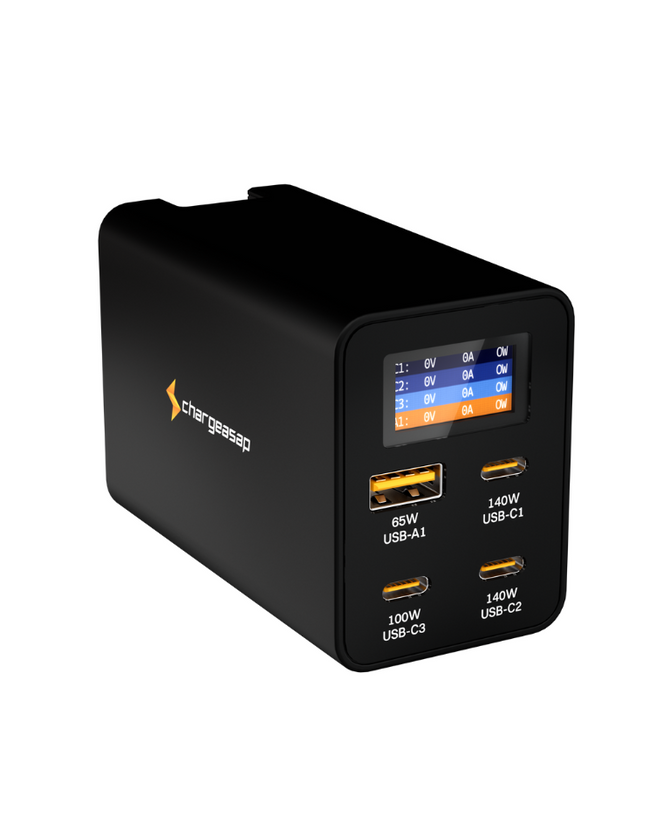
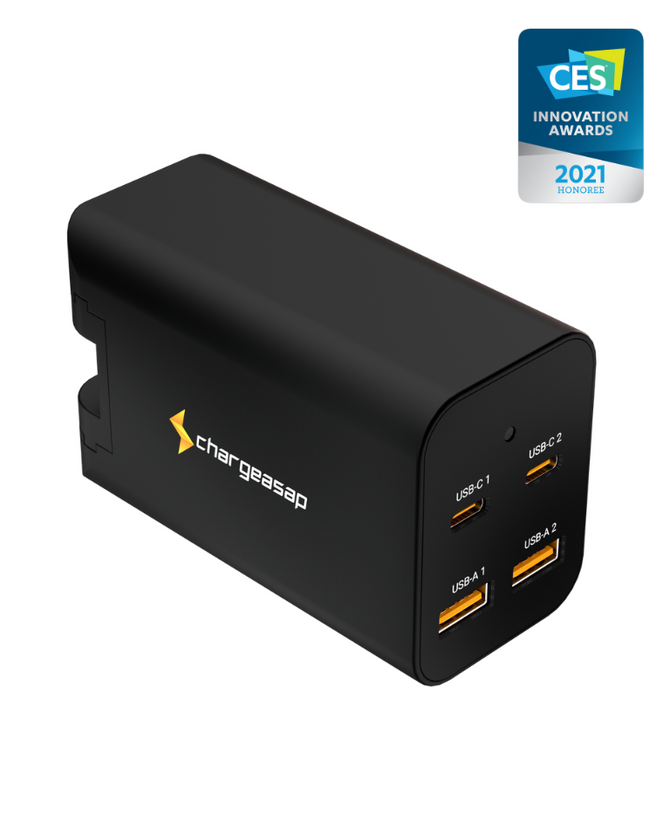
Most of our chargers include at least one USB-A port alongside the USB-C ports for exactly this reason. The Zeus 280W has 3 USB-C ports and 1 USB-A port. The Omega 200W has 2 USB-C and 2 USB-A. This covers both current USB-C devices and older USB-A accessories from a single charger.
USB-C Cables Are Not All the Same
This is the most important thing to understand when buying USB-C cables. The connector shape is standardised, but the capabilities of the cable inside vary enormously:
- Basic USB-C cables: Charge at up to 60W and transfer data at USB 2.0 speeds (480Mbps). Fine for phones, not suitable for laptops.
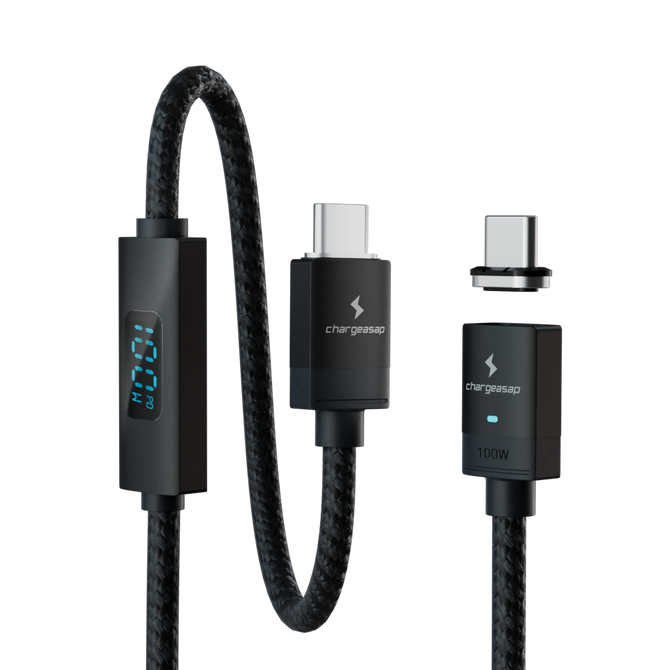
- E-Mark cables: Include a small chip that communicates the cable's capabilities to the charger and device. Required for reliable charging above 60W. Our 240W USB-C cable is E-Mark certified.
- Thunderbolt/USB4 cables: Support up to 40Gbps data transfer and 8K video. Required for connecting external monitors or high-speed storage at full speed.
A USB-C cable that came with a cheap phone charger will not reliably charge a MacBook Pro at 140W, even if it physically fits. The connector is the same. The cable's internal capability is not.
Quick rule: For charging a laptop at full speed, use a cable rated for the wattage you need and confirmed to have an E-Mark chip. For data transfer above 5Gbps, check the cable's rated speed. The connector shape alone tells you nothing about what the cable can actually do.
Shop Chargeasap USB-C cables here.
Vinson is Cofounder at Chargeasap, an Australian charging hardware company that has run 14 crowdfunding campaigns on Kickstarter and Indiegogo and shipped to more than 108,000 customers since 2016. He has personally tested every cable in this guide.
FAQ
What is the difference between USB-A and USB-C?
USB-A is the older rectangular connector found on most computers and chargers. USB-C is the newer, smaller, oval connector that is reversible and supports much higher charging speeds (up to 240W) and data transfer rates (up to 40Gbps). USB-C is now the standard on all new laptops, phones, and tablets.
Can I use a USB-C cable in a USB-A port?
Not directly. You need a USB-A to USB-C adapter or a cable with USB-A on one end and USB-C on the other. These are widely available. However, charging through USB-A will be limited to the USB-A port's maximum output, typically 18-60W depending on the charger.
Is USB-C faster than USB-A for charging?
Yes, significantly. USB-C with Power Delivery (PD) supports up to 240W charging, which is what modern laptops require. USB-A tops out at around 60W with Quick Charge 3.0. For phones, the difference is less dramatic, but USB-C PD still charges faster than USB-A on most modern devices.
Do all USB-C cables support fast charging?
No. USB-C cables vary significantly in their capabilities. Basic USB-C cables support up to 60W. Cables with an E-Mark chip support 100W or higher. Always check the cable's rated wattage before using it to charge a laptop. Using an underpowered cable with a high-wattage charger will result in slow charging or no charging at all.