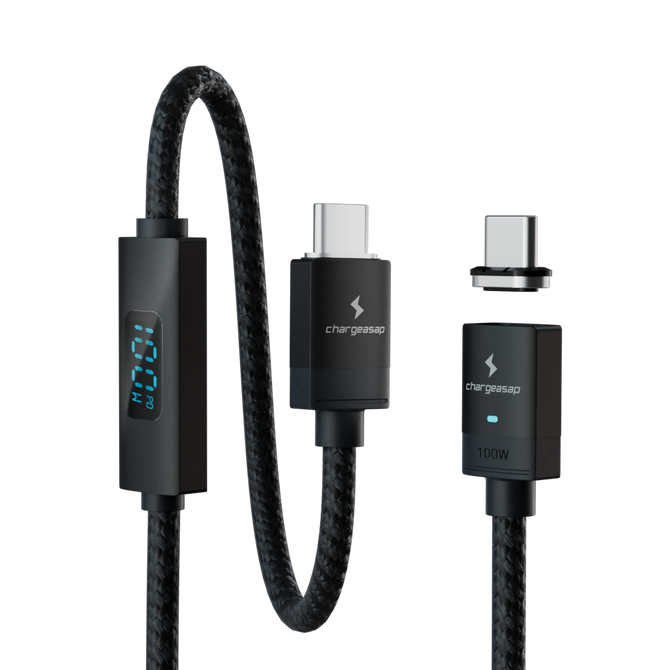
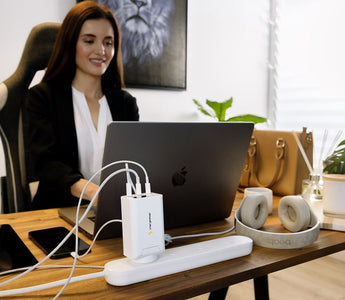
Quick answer: If the cable frays or kinks near the connector, charges slower than it used to, or needs wiggling to connect, replace the cable first. That is where most charging setups fail, and it is the cheap fix. Replace the adapter if it gets too hot to hold comfortably, shows scorch marks or discolouration, or is more than three to four years old. A modern GaN charger runs cooler, charges faster, and covers a phone, tablet and laptop from one plug instead of three.
Already know the adapter needs replacing?

Runs cool where an old charger gets hot. Three ports, bag-sized, and it charges a phone, tablet and laptop at once.
$49
★★★★★ 4.69 from 115 reviews · 30-day returns
Charging a laptop every day? Zeus 280W, $189
A bad charger is one of the most overlooked causes of slow charging, battery degradation, and in rare cases, genuine safety hazards. Most people replace their phone every two to three years but keep using the same charger indefinitely. After a decade of building and testing charging hardware, I can tell you that chargers do wear out, and the signs are usually obvious once you know what to look for.
Here are the warning signs that your charger needs to be replaced, and what is actually happening inside the cable or adapter when you see them.
1. Your Phone Is Charging Slower Than It Used To
If your phone used to reach 80% in an hour and now takes two hours with the same charger, the charger is degrading. This is the most common and most ignored warning sign.
The cause is usually the cable, not the adapter. USB-C cables use small internal wires that flex every time the cable bends near the connector. Over months of daily use, these wires develop micro-fractures. The cable still works, but its resistance increases, which reduces the current it can carry. The result is slower charging even though everything appears to be connected correctly.
Test by swapping to a new cable with the same adapter. If charging speed returns to normal, the cable was the problem.
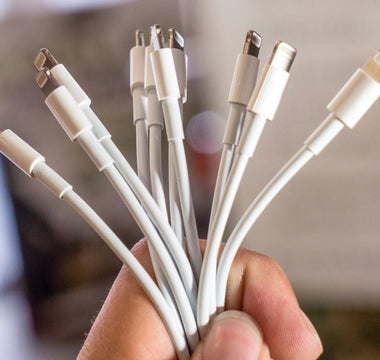
2. The Cable Is Fraying, Kinked, or Bent Near the Connector
Physical damage to a cable is not just a cosmetic issue. A fraying cable exposes the internal wiring, which can cause intermittent charging, short circuits, or in extreme cases, a fire risk if the exposed wire contacts a conductive surface while current is flowing.
The most common damage point is the 2-3cm section immediately above the connector, where the cable bends most frequently. If you see the outer jacket splitting, cracking, or the cable holding a permanent kink in this area, replace it immediately. Do not use tape as a long-term fix.
3. The Charger Gets Unusually Hot
Chargers generate some heat during normal operation. A GaN charger running warm to the touch is normal. A charger that is hot enough to be uncomfortable to hold, or that you can feel radiating heat from across a desk, is not normal.
Excessive heat indicates that the charger's internal components are working harder than they should. This can be caused by a failing capacitor, degraded insulation, or a charger that was never rated for the wattage it is being asked to deliver. A charger that runs hot will degrade faster and poses a greater safety risk than one that runs cool.
If your charger is hot, unplug it and stop using it until you can replace it.

Running hot? That is what GaN fixes
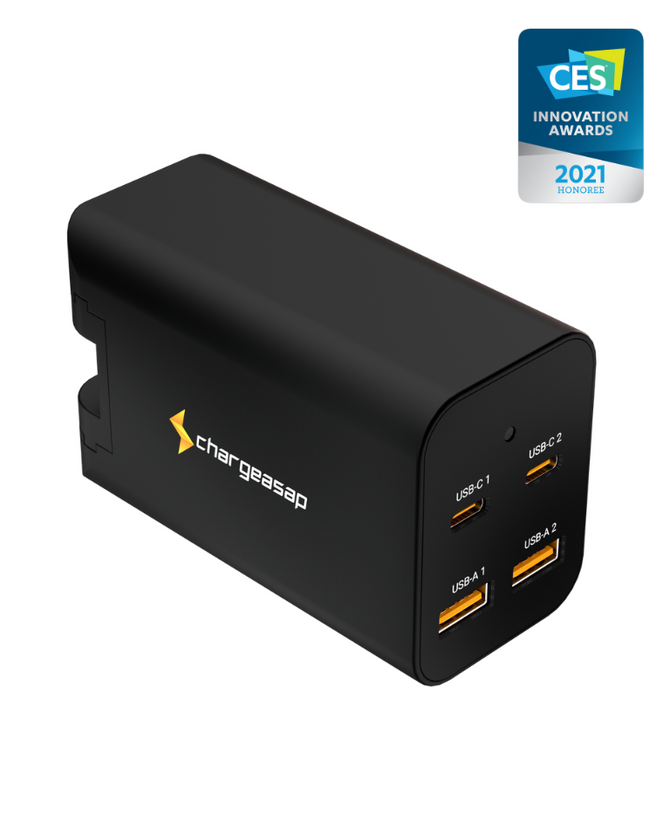
Gallium nitride switches more efficiently than the silicon inside an older charger, so less of the power becomes waste heat. The Omega 100W is the everyday replacement: three ports, bag-sized.
$49 View
4. Your Phone Shows "Not Charging" or Charges Intermittently
If you have to wiggle the cable to get charging to start, or if the charging indicator appears and disappears on its own, the connection between the cable and the port is failing. This is usually the cable connector wearing out, though it can also indicate damage to the phone's charging port.
Test with a different cable first. If the problem persists with a new cable, the phone's port may need cleaning or professional attention.
5. The Adapter Has Physical Damage or Discolouration
Scorch marks, discolouration, or a burning smell from a charger adapter are serious warning signs. These indicate that the adapter has experienced an electrical fault. Stop using it immediately. Do not attempt to continue using a charger that shows burn marks, even if it appears to still work.
6. The Charger Is More Than 3-4 Years Old
USB-C chargers, particularly older ones using silicon-based technology rather than GaN, degrade over time even with normal use. The internal capacitors lose efficiency, the thermal management becomes less effective, and the output voltage can become less stable. A charger that is 4+ years old and used daily is worth replacing proactively, even if it shows no obvious symptoms.
GaN chargers degrade more slowly than silicon-based chargers due to the more efficient switching technology, but they are not immune to wear.
There is a second reason to replace an old one: what you plug into it has changed. A charger bought four years ago was built for a phone. Today the same plug is expected to run a USB-C laptop, a tablet and a phone at once, and an older adapter simply cannot deliver that.

If the old one cannot keep up any more
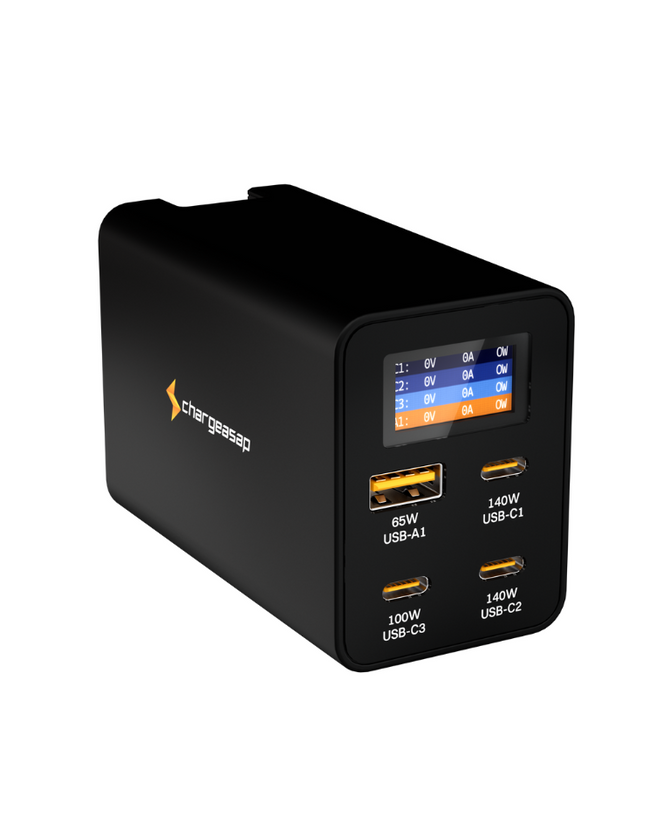
Zeus 280W gives a laptop up to 140W and still has headroom for the phone, tablet and watch beside it: four ports, one plug, no waiting turns. Omega 100W at $49 if you do not charge a laptop.
$189 View
Quick Reference: Replace or Keep?
| Sign | Action |
|---|---|
| Charging slower than before | Test with a new cable first. Replace cable if that fixes it. |
| Cable fraying near connector | Replace cable immediately. |
| Charger hot to the touch | Stop using. Replace adapter. |
| Intermittent charging / need to wiggle cable | Replace cable. If problem persists, check phone port. |
| Burn marks or discolouration on adapter | Stop using immediately. Replace adapter. |
| Charger is 4+ years old | Consider proactive replacement. |
"Takes the place of at least two different chargers for traveling, will charge a laptop without needing a separate charger for phone or tablet."
Robert L, verified buyer on the Omega 100W
A failing charger does not get better. If any of the six signs above describe yours, the Omega 100W at $49 covers most people, and the Zeus 280W at $189 covers a laptop plus everything else on one plug.
Shop all Chargeasap GaN chargers
Vinson is Cofounder at Chargeasap, an Australian charging hardware company that has run 14 crowdfunding campaigns on Kickstarter and Indiegogo and shipped to more than 108,000 customers since 2016. He has personally tested every charger in this guide.
FAQ
How do I know if my phone charger is bad?
The most common signs are slower charging than usual, a cable that frays or kinks near the connector, a charger that gets unusually hot, or intermittent charging that requires wiggling the cable. Any of these indicate the charger or cable needs to be replaced.
Can a bad charger damage my phone?
Yes. A charger that delivers unstable voltage or current can stress your phone's battery management system over time. A physically damaged cable with exposed wiring poses a short circuit risk. A charger that runs very hot may also transfer excess heat to your phone's battery during charging, accelerating degradation.
How long should a phone charger last?
A quality USB-C cable used daily typically lasts 1-2 years before showing signs of wear at the connector. A quality GaN charger adapter should last 3-5 years with normal use. Cheaper cables and adapters often fail much sooner due to lower-grade internal components.
Is it worth buying an expensive charger?
Yes, within reason. A quality GaN charger from a reputable brand costs more upfront but delivers faster, more stable charging, runs cooler, and lasts longer than a cheap alternative. The cost difference is typically $20-50, which is less than the cost of a battery replacement caused by years of poor charging.