Real-World 140W Charging: What Actually Happens
A 140W GaN charger sounds like desktop power in your palm. On the box it looks simple: one tiny brick, charge everything, done. In real life, when you plug in a laptop and a phone at the same time, things get a bit more interesting.
Winter in Australia is when many of us head off on EOFY work trips or chase the northern summer. That is when we really test our chargers in hotel rooms, airports, and Airbnbs. If you want the best 140W GaN charger for travel, you need to know what actually happens when you load it up in the real world.
We are going to look at three main things: how a 140W charger shares power between your laptop and phone, how heat and thermal throttling change your speeds, and what cables and E‑marker chips you really need to unlock full power. We will also touch on why some travellers step up to a higher wattage GaN unit, like our own Zeus 280W GaN charger, when they are running multiple devices every day.
How 140W GaN Chargers Share Power Between Devices
GaN, or gallium nitride, is a newer material that replaces old-school silicon in chargers. It lets us make chargers smaller, more efficient, and able to push high power through several ports without turning into a mini heater.
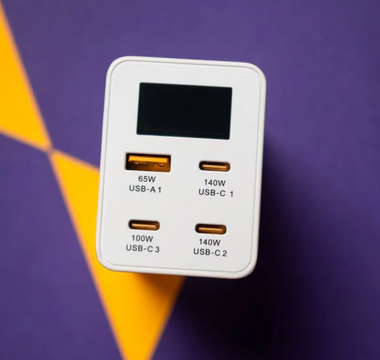
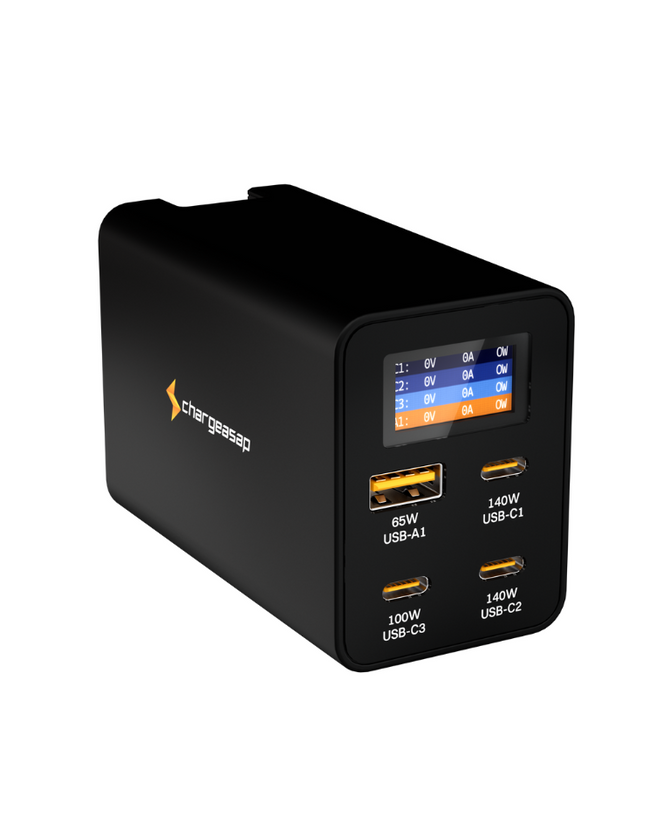
When a charger is labelled 140W, that number is the maximum total output. It is not a promise that every USB‑C port can give 140W at once. A common setup looks like this:
- One main USB‑C port that can reach up to 140W on its own
- One or two extra USB‑C ports that top out at a lower wattage
- Sometimes a USB‑A port for older cables or accessories
On a typical 140W brick, if you plug only your high‑draw laptop into the main USB‑C port, it can get close to that full 140W when the battery is low and asking for it. Add a phone on a second USB‑C port and the charger now has to share those 140 watts between both devices.
Realistic outcomes look like:
- Laptop alone: close to full speed on the main USB‑C, then it tapers as the battery fills
- Laptop plus phone on USB‑C: laptop power drops a bit, phone may shift from top‑tier fast charge to a mid‑tier mode
- Laptop, phone, and something on USB‑A: the charger usually trims each device a little to stay under 140W total
This power split is handled by USB Power Delivery. The charger and each device talk to each other over the cable and agree on a safe voltage and current. The logic keeps reshuffling as devices connect, disconnect, or near 100 percent.
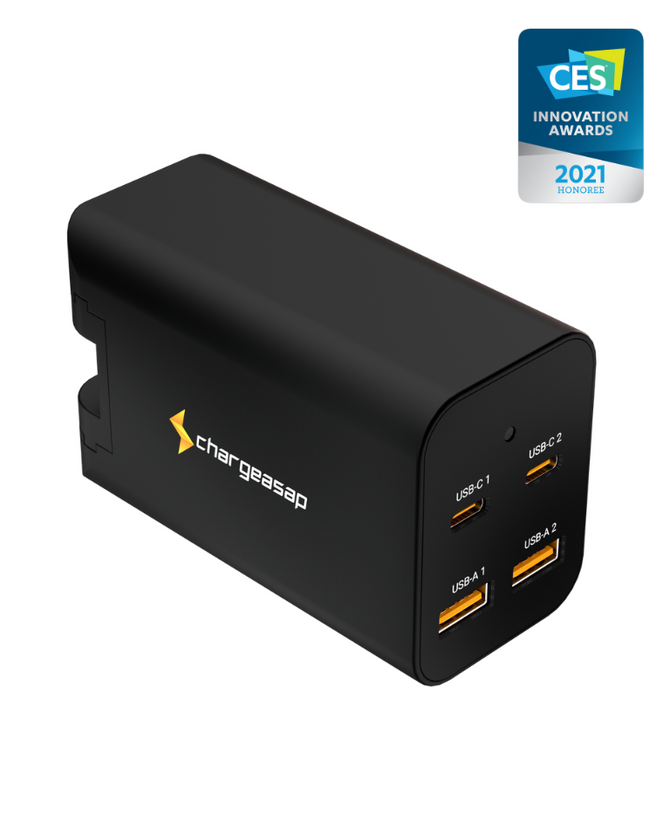
With a higher headroom charger like a 280W GaN unit, such as the Zeus 280W GaN charger, there is simply more total power to go around. That means it can feed a hungry laptop, a fast‑charging phone, a tablet, and earbuds at the same time without having to pull each one down as aggressively.
Dual-Device Loads: Laptop Plus Phone in Practice
Now to the common airport lounge setup: big laptop on one cable, phone on the other, one small charger doing it all. On paper both can fast charge hard. In practice, the charger is constantly balancing them.
What often happens:
- When your laptop battery is low, it pulls hard. The charger prioritises it, so your phone may drop from “super fast” to just “fast” or “normal” charging.
- As the laptop climbs past the halfway mark, it naturally draws less power. Your phone then has more room to speed back up.
- If both batteries are already above roughly halfway, they tend to share quite happily at moderate speeds.
For most workflows, a slightly slower laptop charge is fine. If you are browsing, writing, or working on documents, even a reduced wattage is enough to keep the battery rising. Where you may feel the pinch is during heavy tasks like:
- Long HD or 4K video calls
- Large code builds or exports
- Video editing with external screens
In those moments, it helps to be smart with ports and timing:
- Always give your laptop the highest wattage USB‑C port on the charger.
- Put your phone or earbuds on the lower wattage port or USB‑A.
- If your laptop is struggling to gain charge while you work, unplug lower priority devices for a while.
If you regularly travel with a laptop, phone and tablet, a single best 140W GaN charger might be running close to its limits every day. That is when a higher wattage GaN charger with more ports, like the Zeus 280W, can give you smoother, more consistent performance and less juggling.
Heat, Thermal Throttling, and Winter Travel Reality
Thermal throttling sounds fancy, but it is simple. When a charger or cable starts to get too hot, it automatically lowers power to protect itself and your devices. Less power means slower charging.
Heat builds up when:
- The charger is pushing close to 140W for long stretches
- It is in a warm space like a packed train, hot hotel room or in direct sun by a window
- It is stuck behind furniture or buried in a tangle of cables and adapters
- The cable is cheap or under‑spec and acts like a weak link
For Aussie travellers heading into northern summers, this is common. Your charger might be rated for 140W, but if it is cooking in a stuffy corner it may quietly pull back.
Signs your charger is throttling include:
- It feels very hot to the touch, not just warm
- Your laptop charge creeps up slowly even when plugged into a high port
- Your phone takes longer than usual to hit a comfortable level
You can help by:
- Giving the charger airflow, not resting it on thick carpet or under a jacket
- Avoiding running all ports at full tilt for many hours straight
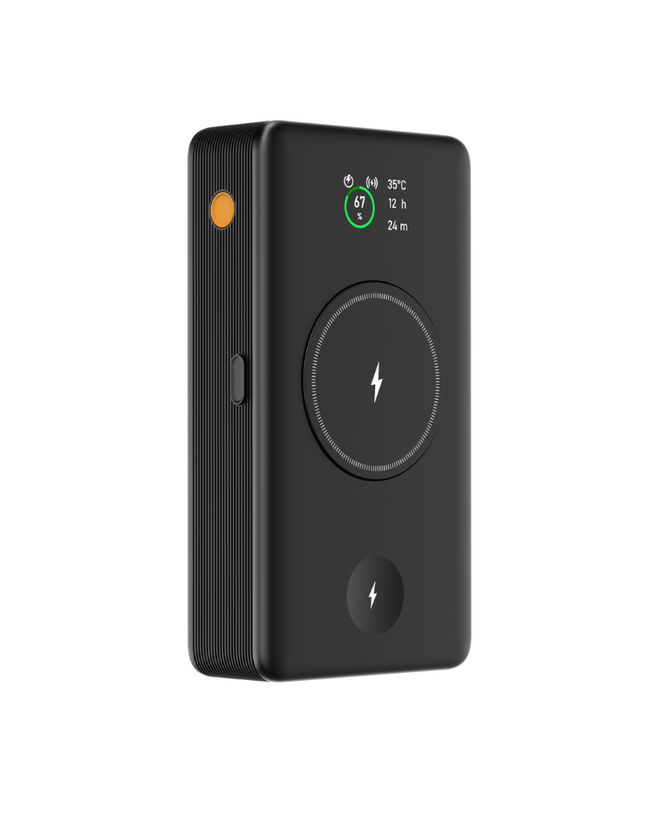
- Charging in shifts, for example topping up your power bank after your laptop is done
- Using a higher capacity GaN charger for your heaviest setups so it does not need to sit at its ceiling all day. A multi‑port unit like the Zeus 280W GaN charger is built for this kind of load.
Cable and E‑marker Requirements for True 140W
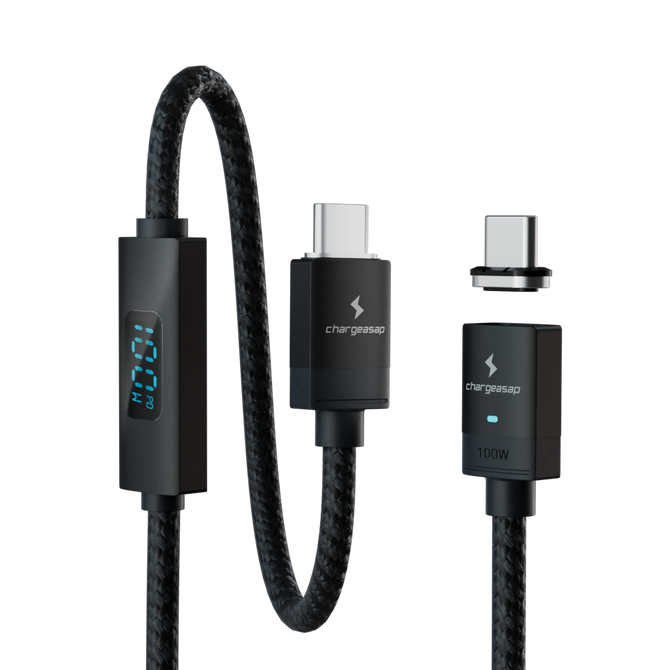
The best 140W GaN charger is only part of the story. Your USB‑C cable also has to handle that much power safely. That is where E‑marker chips come in.
An E‑marker is a tiny chip inside the cable. It tells the charger and your device how much power and data the cable is built for. If the cable does not report the right rating, the charger will hold back, even if both ends support 140W.
Not all USB‑C cables are equal. Many common ones max out at 60W or 100W. To unlock full 140W, look for:
- USB‑C to USB‑C with a 5A rating
- Markings like 28V/5A, USB PD 3.1, or 140W on the packaging
- Cables from brands you trust, especially for expensive laptops
If you use an under‑rated cable:
- Your laptop might show a “slow charger” warning or similar
- Charging speeds can drop a lot under heavy load
- In worst cases, the cable can get worryingly hot
For multi‑device setups you do not need every cable to be a 140W monster. A simple mix works well:
- One 140W‑rated USB‑C cable for your main laptop
- One or two 100W cables for phones and tablets
- A short, flexible cable for power banks and earbuds
Pairing the right cables with a capable GaN charger gives you a kit that feels light but still covers all your devices safely.
Building a Reliable Travel Charging Kit That Just Works
A simple, well‑planned charging kit saves a lot of hassle on the road. You do not need a bag full of bricks, just smart choices.
A practical packing list for mid‑year trips:
- One quality GaN charger, at least 140W, higher if you charge several devices at once (for example, a compact multi‑port unit like the Zeus 280W GaN charger)
- One 140W‑rated E‑marked USB‑C cable for your laptop
- One or two 100W USB‑C cables for phones, tablets, and power banks
- Optional: a USB‑A cable for legacy gear, cameras or older accessories
A few easy rules of thumb:
- If you often charge a laptop and two or more other devices at the same time, consider going above the typical best 140W GaN charger to something with more ports and headroom, like the Zeus 280W.
- Keep the highest wattage USB‑C port free for your laptop whenever you can.
- Before a big trip, do a 10 minute charge test at home with all your devices plugged in the way you plan to use them. Watch how hot the charger and cables get and how quickly your laptop moves.
We design our GaN chargers here in Australia with these real travel habits in mind. When you understand how 140W power sharing, heat, and cable limits work, it is much easier to build a small, reliable kit that just works wherever you plug in.
To explore more GaN charging options and accessories for frequent travellers, you can visit chargeasap.com.
Power Your Devices Smarter And Save Space Today
If you are ready to tidy up your charging setup and get faster, more reliable power, we are here to help. At Chargeasap, we have engineered the best 140W GaN charger experience into a compact solution that is ideal for work, travel and home. Upgrade your current charger to enjoy smarter charging, fewer bulky adapters and more room in your bag. Make the switch today and feel the difference every time you plug in.